
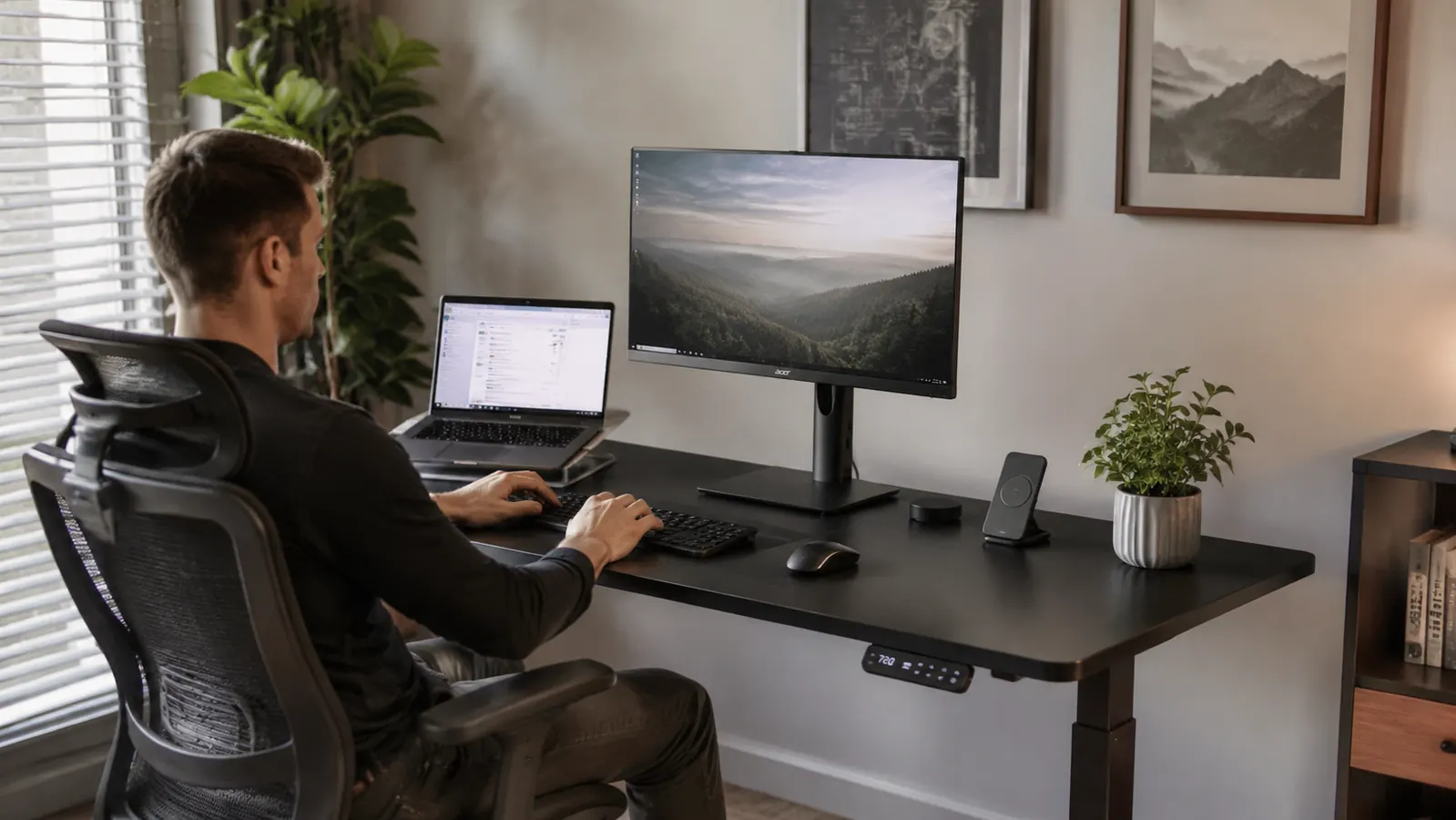
You've seen the electric standing desk market: dozens of options between $100 and $500, most with names you've never heard, half of them looking identical in the photos. The honest question is whether anything under $200 is actually worth bolting to your floor for the next five years. I was skeptical too. I tested the $89 frames and regretted it. I looked at the FlexiSpot E7 and the Uplift V2, great desks, hard to justify the price for a spare bedroom setup. Then I landed on the ErGear 48-inch electric standing desk at around $160, used it full-time for months, and I can tell you exactly what it is, what it isn't, and who should buy it. The unvarnished version, not the Amazon listing version.
This is the review I wish I had found before I ordered. If you want the long-term wear test and performance data, check out the companion piece: the ErGear standing desk long-term review covers 8 months of daily use on that side. This article is different. This one is about the stuff buyers wish they had known on day one.
The Quick Verdict
A genuinely solid desk for the price, with real caveats around wobble at max height and a 45-minute assembly process that will test your patience. Buy it if you're outfitting a home office on a real budget. Skip it if you need rock-solid stability for video calls above 43 inches or you plan to run heavy dual monitors.
Amazon Check Today's Price →If you're done guessing which sub-$200 standing desk won't embarrass you six months from now, this one has the receipts.
The ErGear 48-inch electric desk has over 11,000 Amazon reviews and a 4.5-star average. Check today's price and what's currently in stock before you decide.
Amazon Check Today's Price on Amazon →What the Listing Doesn't Tell You: Assembly Reality
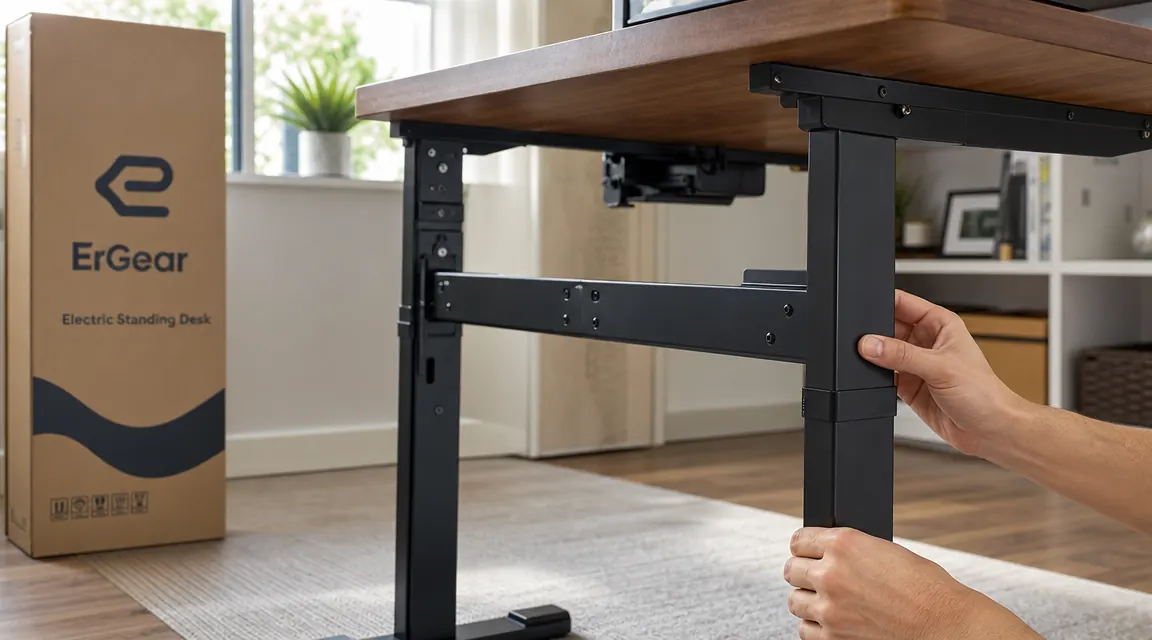
ErGear estimates 15 to 20 minutes for assembly. In reality, plan on 45 minutes if you've assembled furniture before, and closer to 90 if you haven't. The instructions are line-drawing diagrams that work fine once you understand the logic, but the first time through, the cross-support beam orientation trips nearly everyone up. It looks like it can go two ways. Only one is correct, and the diagram doesn't make it obvious until you've already torqued the bolts the wrong direction.
You'll need a Phillips head screwdriver and an Allen wrench. Both come in the box. The Allen wrench is short, which means tight spaces get awkward. If you have a ratcheting Allen wrench in your toolbox, grab it. It will save you ten minutes of knuckle-scraping in the leg cavity. The hardware bag is organized and fully labeled, which is genuinely better than most furniture at this price point. Nothing was missing in my box.
One thing that surprises people: the desktop surface ships separate from the frame, and you attach the frame to the surface yourself with the provided screws. This is normal for standing desks, but if you've only bought pre-assembled furniture before, seeing a pile of metal tubes and a bare board can feel alarming. It's not complicated. Just give yourself a clear floor space and don't rush the leg collar adjustments before you've got the height range dialed in for your body.

The Wobble Question: What You Actually Get
Let's be direct about wobble because it's the most common complaint in the one-star reviews and the most common question I see online. At sitting height, around 28 to 30 inches, the ErGear is solid. No movement worth noting. At mid-standing height, around 38 to 42 inches, it's fine. There's a small amount of flex if you push the edge of the desk, but nothing that will bother you during normal use.
At maximum height, around 47 to 48 inches for most users, you will notice wobble if you type hard or bump the desk. It's not dangerous and it's not constant, but it's there. If you're 5'10" or taller and you prefer a higher standing position, this is the honest tradeoff you're making at the $160 price point. Premium desks at $400 and above use heavier frames and dual-motor systems that eliminate this. ErGear uses a single motor and a lighter steel gauge. That's why it costs $160 and not $400.
At sitting height, the ErGear is rock solid. At maximum standing height, there is noticeable flex. That's not a defect, it's the physics of what a $160 single-motor frame can do.
One practical fix: if you're concerned about stability, the leg feet have floor levelers. Make sure all four are making firm contact with your floor. On carpet, the feet can sink unevenly. A hard floor mat under the desk legs solves this and is a worthwhile $20 add-on if you're on thick carpet.
Motor Noise and Speed: The Honest Numbers
The ErGear motor is audible. It sounds like a quiet electric drill running at low speed, around 45 to 50 decibels, which is roughly the level of a quiet conversation. If you're adjusting the desk during a video call, the person on the other end will hear it. If you're adjusting it while your family is asleep at 6 AM, they might hear it through the door. It's not a deal-breaker but it is a real consideration.
Speed is about an inch per second, which means moving from a 30-inch seated position to a 42-inch standing position takes roughly 12 seconds. Some users find this too slow. I adapted to it within a week and now don't think about it. The four memory presets are the real quality-of-life feature here: once you program your sit height and your stand height, transitions become a single button press with no fiddling. That's worth more than a faster motor in daily practice.
Build Quality: What's Good, What's Not
The desktop surface is a medium-density fiberboard (MDF) core with a laminate finish. ErGear calls it a 'carbon fiber texture' in the listing. It's not carbon fiber. It's a textured laminate that looks decent and wipes clean easily. After months of use, the finish around the edges, where a keyboard tends to sit, shows light wear on the underside. The top surface holds up well unless you're dragging sharp objects across it.
The steel frame is the better part of this desk. The powder coat finish is even, the welds are clean, and nothing has bent, chipped, or loosened over extended use. The leg collar locking mechanism, the part that sets your height adjustment range, stays in place once set. That's something cheaper frames struggle with. The control panel is flush-mounted and the cable management channel along the underside of the frame is narrow but usable for a laptop charger and one monitor cable.
What I'd change: the cable management situation is minimal. There's no cable tray, no grommets, and the single channel runs along one side of the frame only. If you're running a full desktop setup with multiple monitors, a docking station, and a lamp, you'll need to buy a separate cable management tray. That's a $15 to $25 add-on that most buyers don't budget for until they see the wire situation.
What I Liked
- Steel frame holds up well and shows no loosening over months of use
- Four memory presets make sit-to-stand transitions genuinely easy
- Height range of 27.5 to 47.2 inches covers most users from 5'2" to 6'4"
- Desktop surface cleans easily and resists common spills
- Hardware bag is complete, labeled, and organized better than competitors at this price
- Anti-collision detection stops the motor if it hits an object mid-travel
Where It Falls Short
- Noticeable wobble at maximum height, especially above 44 inches
- Assembly takes 45 to 90 minutes, not the 15 to 20 minutes advertised
- Motor noise is audible during transitions, not suitable for silent environments
- Cable management is minimal; budget an extra $15 to $25 for a cable tray
- Desktop is MDF laminate, not a solid wood surface, shows edge wear over time
- Single motor means slower movement speed than premium dual-motor desks

Who Returns This Desk and Why
I've read through hundreds of ErGear reviews across multiple variants to understand the return pattern. The people who are most disappointed fall into a few clear categories. First, buyers who expected the wobble-free experience of a premium desk at a budget price. The ErGear is not that desk, and the listing doesn't always set that expectation honestly. If wobble at standing height is a hard no for you, look at the FlexiSpot E7 or E5 in the $280 to $320 range. The difference is real.
Second, buyers who didn't measure their space. The 48-inch surface sounds generous in the description, but with a monitor arm, a laptop stand, and a keyboard tray, the usable flat surface shrinks fast. If you're coming from a larger desk, check your actual dimensions before ordering. ErGear sells a 55-inch and 63-inch version if you need more real estate.
Third, buyers who wanted a heavy dual-monitor setup. Two 27-inch monitors plus a monitor arm is right at the edge of this desk's 176-pound weight capacity, and the wobble becomes more pronounced with that much mass. If your setup is two large monitors, a full tower, and a bunch of peripherals, the ErGear will do it, but you'll feel the consequences at standing height.

Who Should Buy This Desk
The ErGear 48-inch electric standing desk is the right choice if you're a remote worker or freelancer setting up a dedicated home office space and you want a proper electric standing desk without spending $300 or more. The core function, adjusting from sitting to standing height with a button press, works reliably and consistently. The frame is built well enough to last years of daily use. For a laptop plus one external monitor, or a single large monitor, this desk is a solid platform that does the job without drama.
If you're comparing this desk to other options at the same price, I've put together a detailed side-by-side in the ErGear vs FlexiSpot comparison that covers where each desk wins and loses. And if you're setting up a full ergonomic workstation from scratch, the guide on how to set up a home office standing desk walks through the full process including height calculation, anti-fatigue mat positioning, and monitor arm placement.
Who Should Skip It
Skip the ErGear if you need a standing height above 44 inches and wobble-free stability is non-negotiable, for example, if you're doing video calls while standing and you can't have the camera frame shaking. Skip it if you're running dual large monitors with a full tower setup and you want zero flex at any height. Skip it if you're in a shared living space where motor noise during transitions will be an issue. And skip it if you want a surface material that will look clean and unscratched in three years of heavy use, the MDF laminate is serviceable but it's not a premium surface.
For those scenarios, the FlexiSpot E7 is the next logical step up in budget, and the step up in build quality is meaningful. But if none of those edge cases apply to you, the ErGear does what it says at a price that's hard to argue with.
You've got the full picture now. If the ErGear fits your setup, here's where to check today's price before it changes.
The ErGear 48-inch electric standing desk is currently available on Amazon with free shipping. Over 11,000 verified buyers, 4.5 stars. See if today's price works for your budget.
Amazon Check Today's Price on Amazon →